Android
SMS Route to Navigation — Turn a message into a route
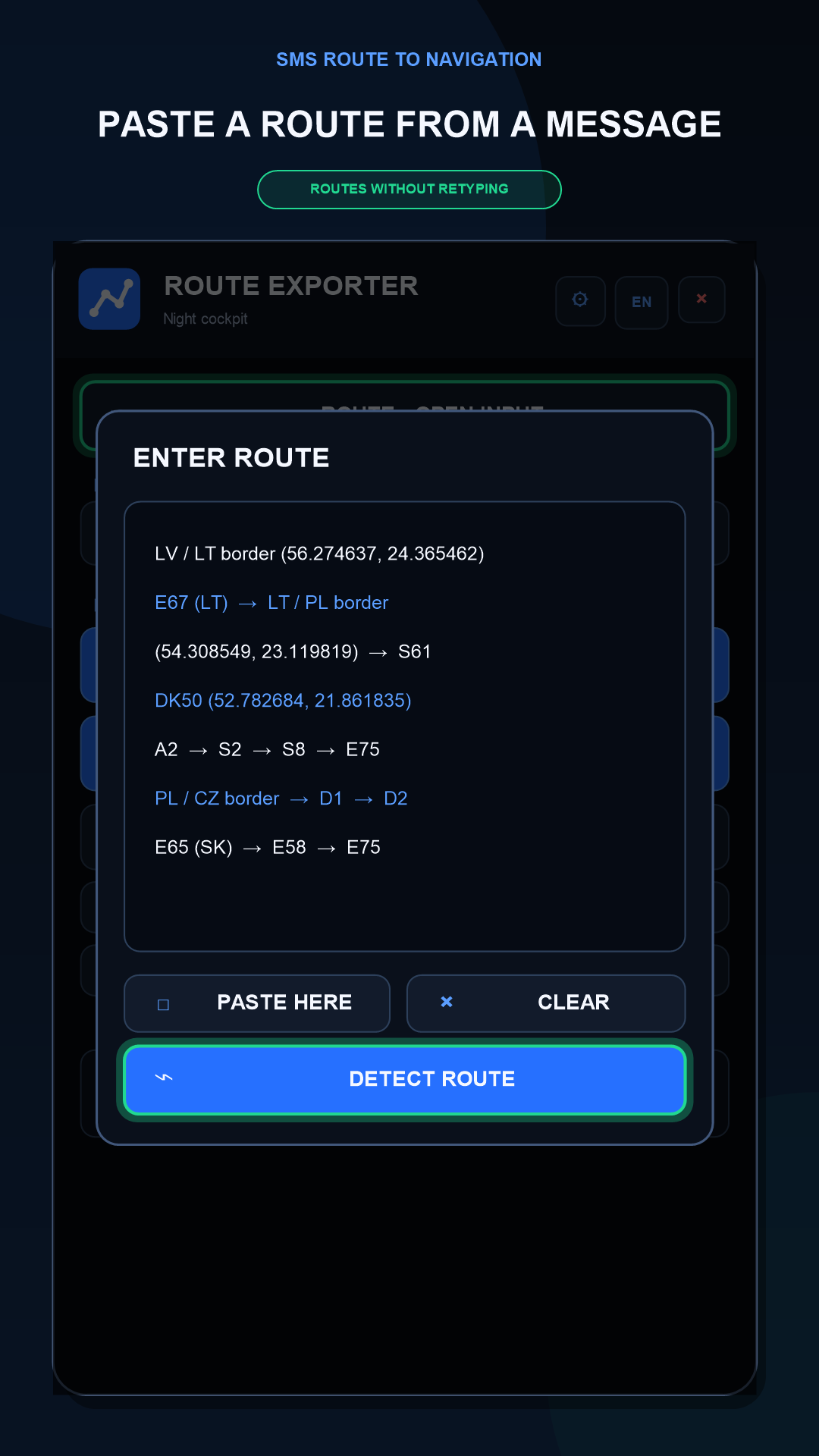
Received coordinates in a message? Turn them into a route for your preferred navigation app.
Step-by-step guideHow to send message coordinates to iGO or Sygic →Features
- Recognize coordinates from pasted or shared text.
- Export KML for iGO and GPX for Sygic Truck.
- Open a route in Google Maps or share it via Bluetooth.
When to use this app
Use this when a dispatcher sends stop coordinates as text and you need to open them in another navigator. The task is to transfer points in the right order, not a picture of the route line.
What to keep in mind
KML and GPX transfer route points but do not guarantee identical roads in different navigators. The receiving app applies truck restrictions using its own profile and maps. Creating a file does not confirm a successful import.
Photos and screens
 Enlarge
 Promotional mockups based on the app interface, not screen recordings. An example route is shown. The original video may contain Russian in-app text.
Third-party navigation apps must be installed separately.
Installation
A verified installation link will be added later.