Android
NavigateTRK — Navigation for trucks
NavigateTRK Truck GPS is an Android navigation app for truck drivers. Enter vehicle dimensions, weight and axle load, plan a route for your truck and follow your position using GPS. Parking areas, fuel stations and rest stops on the map help you prepare for a journey and choose where to stop.
Step-by-step guideHow to set up a truck profile in NavigateTRK →Features
- Truck settings: dimensions, weight and axle load.
- Route planning, GPS navigation and recalculation on the road.
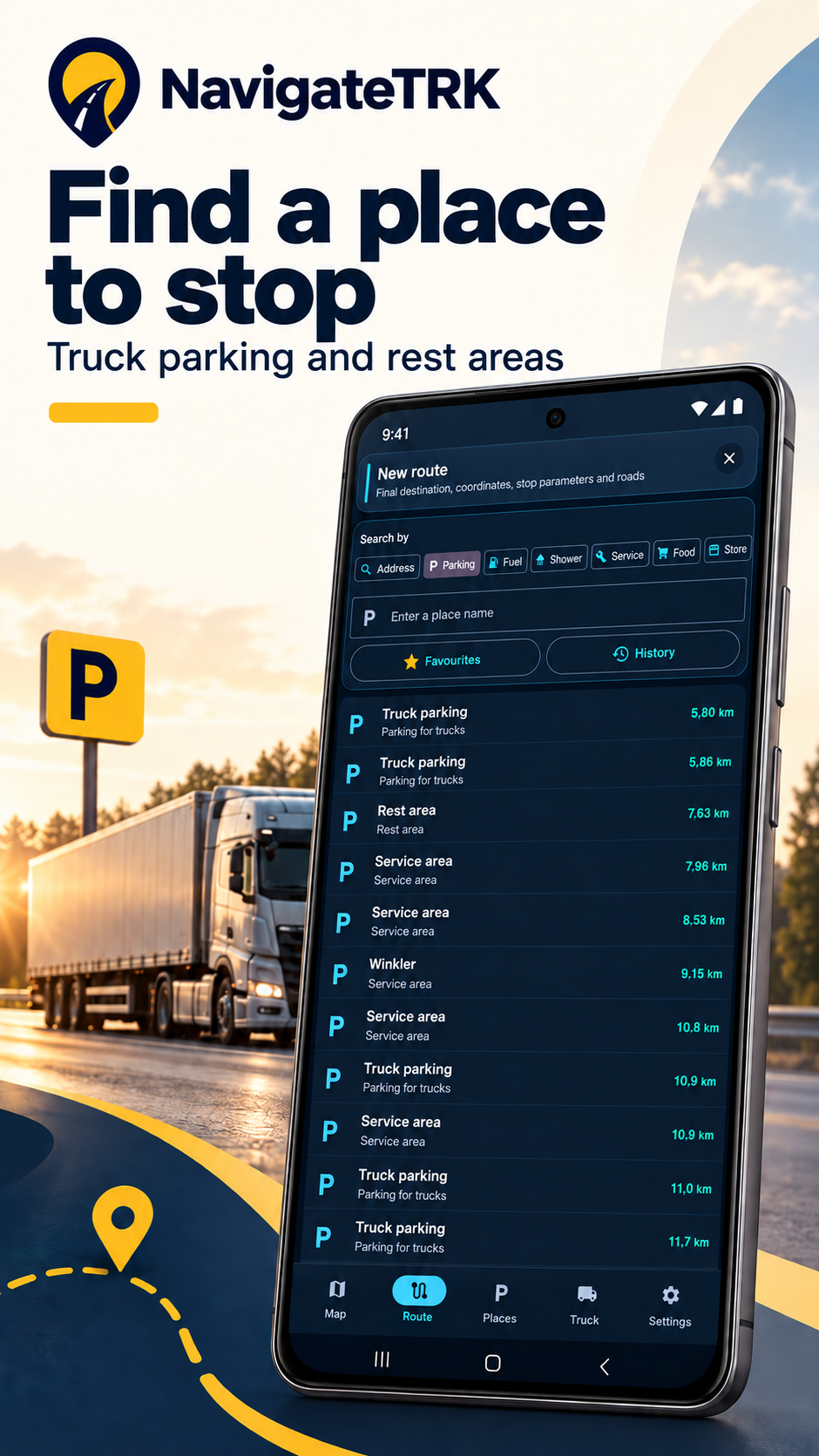
- Find parking, fuel stations and rest stops on the map.
NavigateTRK Truck GPS in detail
A profile for your actual truck
A car and a truck combination have different road requirements. NavigateTRK lets you enter height, width, overall length, weight and axle load. These parameters are sent to the routing engine to calculate a route using available restriction data. Dimensions are entered in metres; weight and axle load are entered in tonnes. Check the profile and calculate again after changing a trailer or load.
Prepare the route before driving
Check the starting point, destination and saved vehicle settings before the journey. Review the calculated route, especially the final approach to a warehouse or unloading site. Office coordinates may not identify the truck entrance: confirm the gate location with the recipient. This helps catch an incorrect destination while you are still parked.
GPS navigation and recalculation
The app uses your device location for navigation during the journey. Route recalculation is available when your path changes. Accurate positioning requires Android location services, the app permission and GPS reception. Tunnels, tall buildings and poor reception can reduce accuracy. A recalculated route must still be assessed against road signs and actual conditions.
Parking, fuel and rest stops
Useful places on the map help you prepare for stops. Choose a suitable location, then check its access road. A map point does not confirm available spaces, round-the-clock operation or access for your particular truck combination. Confirm important conditions with the site operator.
Dangerous-goods setting
The vehicle profile includes an ADR dangerous-goods switch. Set it to match the load being carried. It passes a dangerous-goods flag but does not describe every class, exception or access condition. The app does not replace checking the requirements for a specific load and road section.
A practical pre-trip example
You have changed the trailer and received the address of a new warehouse. Open the profile and check overall length, height, weight and axle load. Save the settings, enter the destination and calculate a new route. Confirm the truck entrance and review the approach. Before setting off, check that the map position updates and the device is securely mounted.
Understanding accuracy and limitations
Routing depends on complete and current map data: temporary works, new signs and individual restrictions may be missing. Neither a route nor a saved vehicle profile guarantees access on every road. Where the map conflicts with signs, follow the signs and safe driving conditions. Configure the app and change destinations while parked.
When to use this app
Set the truck profile before calculating a route, especially after changing the trailer or load. Then check the actual entrance: an office address and the truck gate may be on opposite sides of a building.
What to keep in mind
Routing depends on the completeness of road data. A missing restriction on the map does not mean access is permitted. The profile does not replace road signs, access checks or unloading-site instructions.
Photos and screens
 Enlarge
 Gallery from the artwork submitted to Google Play on 4 October 2026. These promotional images were created and edited with AI using app screens; they are not direct captures of the current version. Interface details may differ. The video is a separate, earlier promo with a Russian interface.
Always follow road signs and current restrictions.
Installation
The app is available on Google Play in open testing.