Android
NavigateTRK Launcher — Your in-car home screen
Navigation, music and your dashcam within easy reach. A convenient Android home screen for your vehicle.
Step-by-step guideHow to set up NavigateTRK Car Launcher →Features
- Customizable tiles for quick access to your apps.
- GPS speed, clock and coordinates on the home screen.
- Landscape and portrait modes.
When to use this app
Use the launcher to open apps already installed on a car phone or tablet. Assign the apps you need most to tiles and check that each opens with a normal single tap.
What to keep in mind
The launcher is a home screen, not a separate navigator, music service or dashcam. It does not add features to other apps or guarantee their background operation. Each app has its own updates and permissions.
Photos and screens
 Enlarge
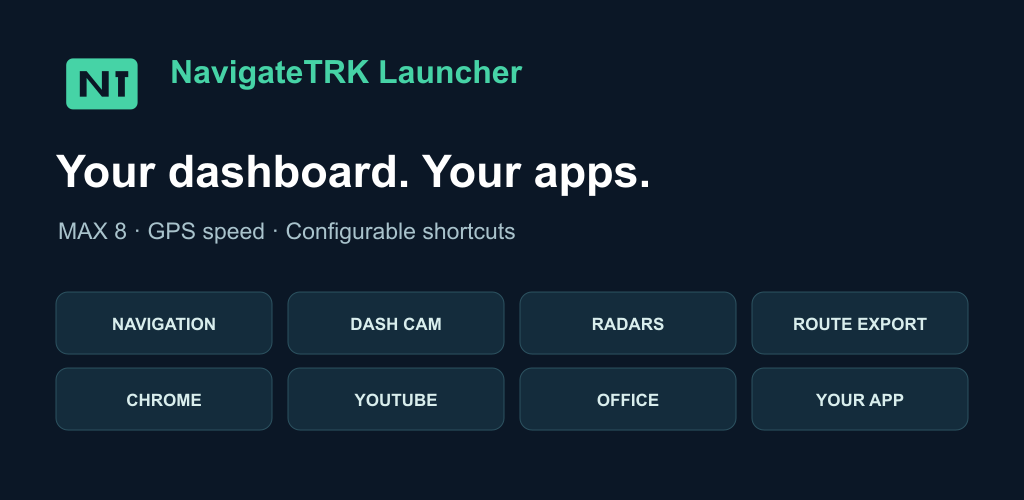
 Promotional graphic and a settings screenshot. The settings screen is in Russian; the interface may vary by app version.
Set up your home screen before driving, while your vehicle is parked.
Installation
A verified installation link will be added later.