Android
NavigateTRK Dashcam — Video, speed and GPS
Save important moments from your journey. Video recording with GPS data and a convenient archive on your phone.
Step-by-step guideHow to use Android as a GPS dashcam →Features
- Record 1, 2, 5 or 10-minute clips and choose a storage folder.
- Background recording and protection for important clips.
- Review recordings with GPS points and a map.
When to use this app
Record a journey with an Android camera and review saved clips with GPS data. Before relying on it as a dashcam, test your own device: picture quality, clip duration and recording with the screen off.
What to keep in mind
LOCKED_ protection prevents loop cleanup; it is not a backup. Uninstalling the app, device failure or losing storage can cause data loss. Copy important videos separately and check that the copies play.
Photos and screens
 Enlarge
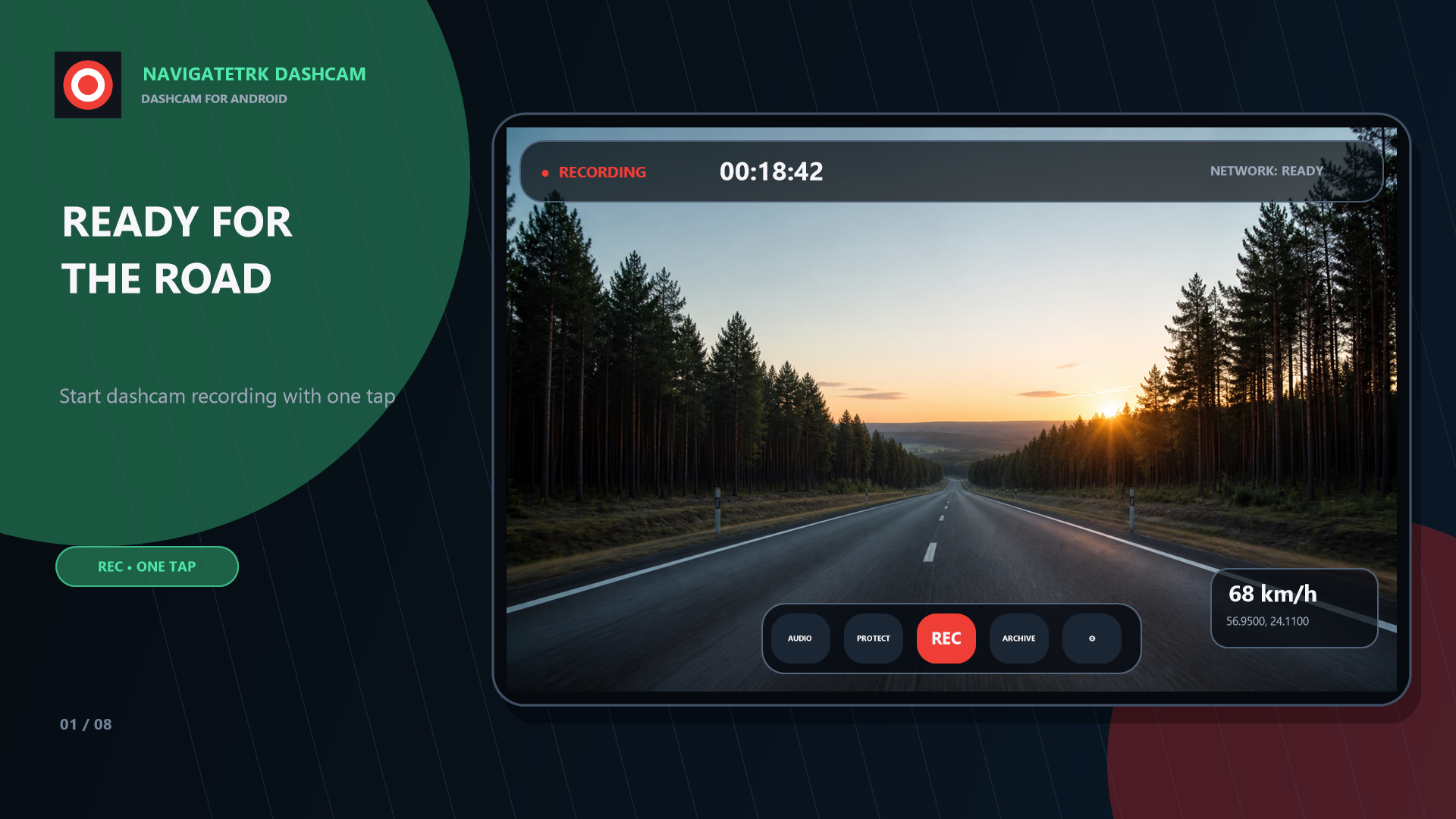
 Promotional interface demonstrations. Trips, dates and coordinates are fictional. Background recording, stabilization and low-light boost depend on the device and Android settings.
Available quality and background recording reliability depend on your device. Speed display requires the GPS update interval to be set to 5 seconds.
Installation
Get NavigateTRK Dashcam on Google Play. The app is available in open testing.